
1 / 4
DH2 Cylindrical UV Printer
DH2 Cylindrical UV Printer, with Ricoh GH2220 printheads.
Request a Quote ↗DH2 UV Cylinder Printer Overview
Designed for versatile cylindrical decoration, the Deeprint DH2 UV Cylinder Printer features six Ricoh GH2220 printheads with a WW + CMYK + VV configuration, combining dual white and dual varnish channels with full-colour printing to create vibrant graphics, a white base layer, and glossy accents.
Print directly onto compatible drinkware, perfume containers, glass bottles, pet bowls, cans, wine bottles, beverage cans, and stainless steel bottles—supporting a wide range of product decoration and personalisation applications.
Machine Structure
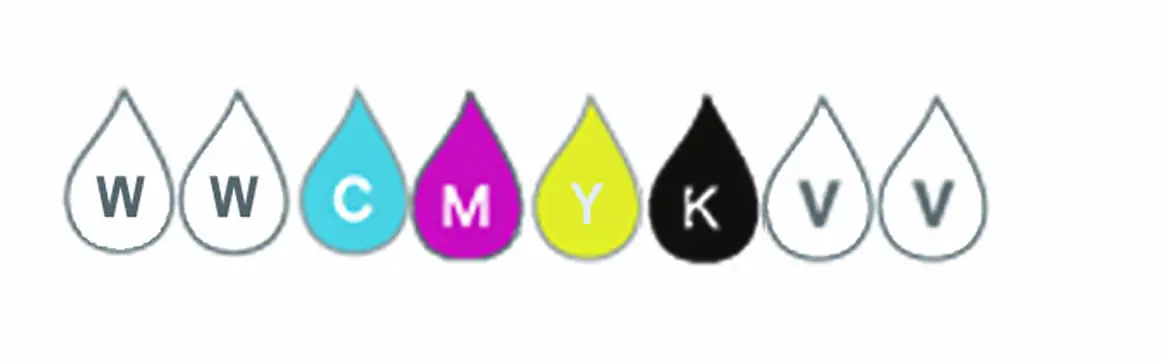
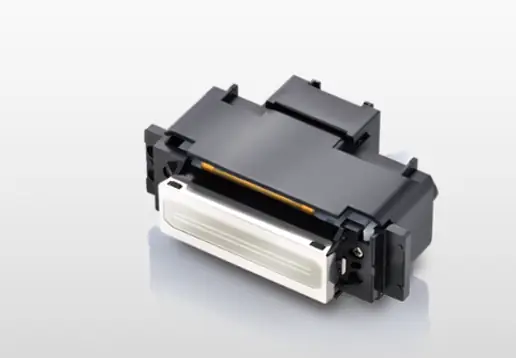
6 × Ricoh GH2220 Printheads | White + CMYK + Varnish
Equipped with six Ricoh GH2220 printheads, the DH2 UV Cylinder Printer delivers vibrant colors, smooth gradients, and crisp details on compatible bottles, tumblers, cups, and tubes. Variable ink droplet control from 3–21 pl supports detailed image reproduction, while white, CMYK, and varnish printing creates a white base layer, rich colors, and glossy accents—all in a single print cycle.
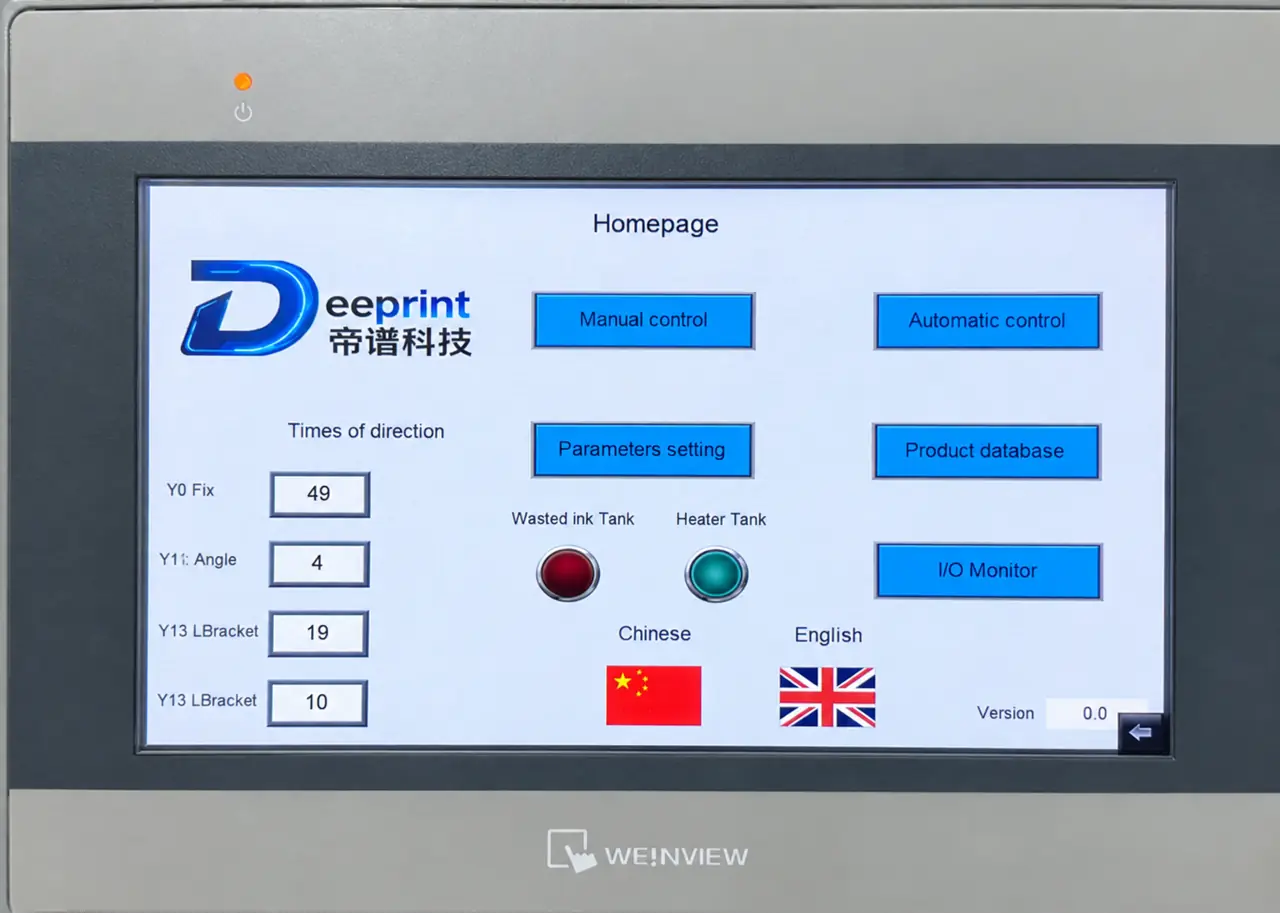
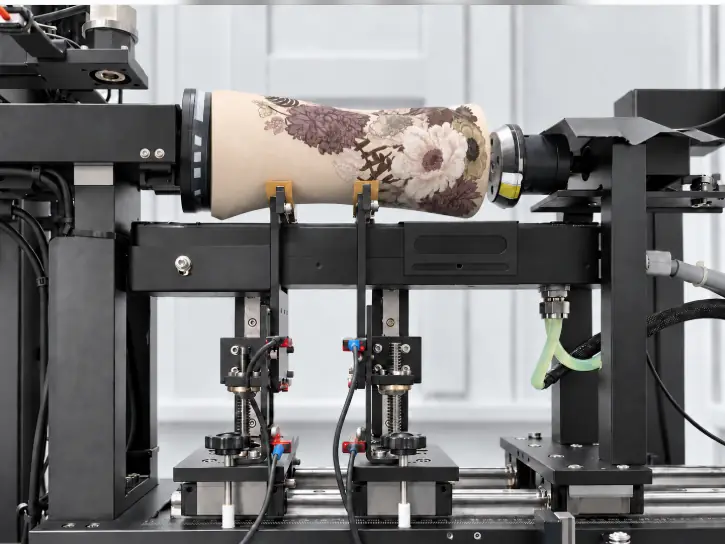
Smart PLC-Controlled Fixture
Automatic fixture adjustment
The fixture automatically adjusts its position and orientation based on the geometry of the product being printed.
Job memory
The PLC memory function stores printing job data, reducing changeover time and the need to re-enter product parameters. This smart automation reduces the need for manual calibration and improves production efficiency.
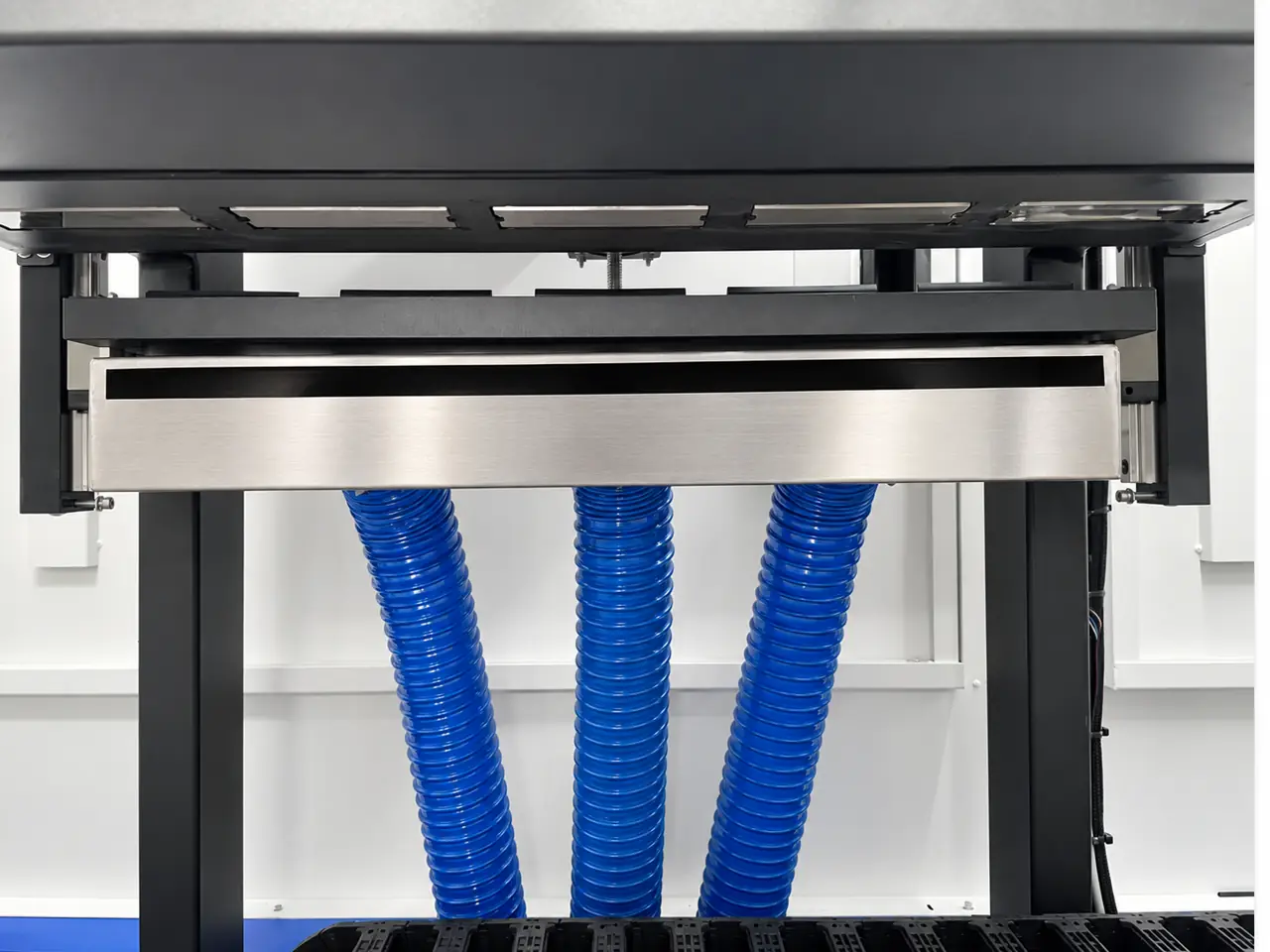
Mist Extraction System
The fan-and-filter extraction system captures ink mist and airborne particles generated during printing. By drawing in air and trapping particles before they disperse, it helps reduce buildup on surrounding surfaces and maintain a cleaner workspace.
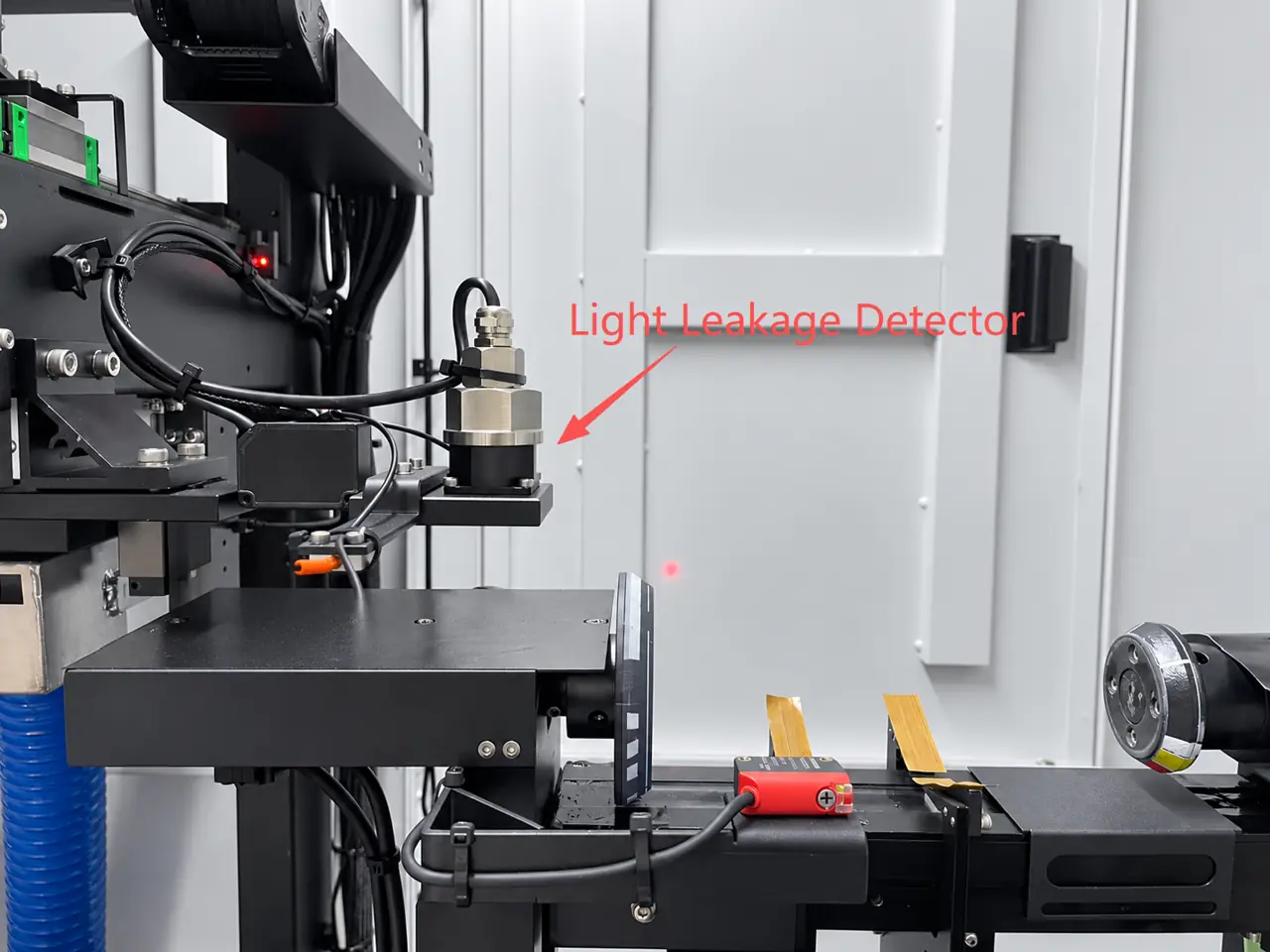
UV Light Leakage Detection
Before printing begins, the system checks for UV light exposure, which could damage the printheads. This includes light transmitted through transparent products or reflected from product surfaces. If a risk is detected, an alarm is triggered and printing is prevented from starting. This helps to protect the printheads and reduce the need for costly repairs and downtime.
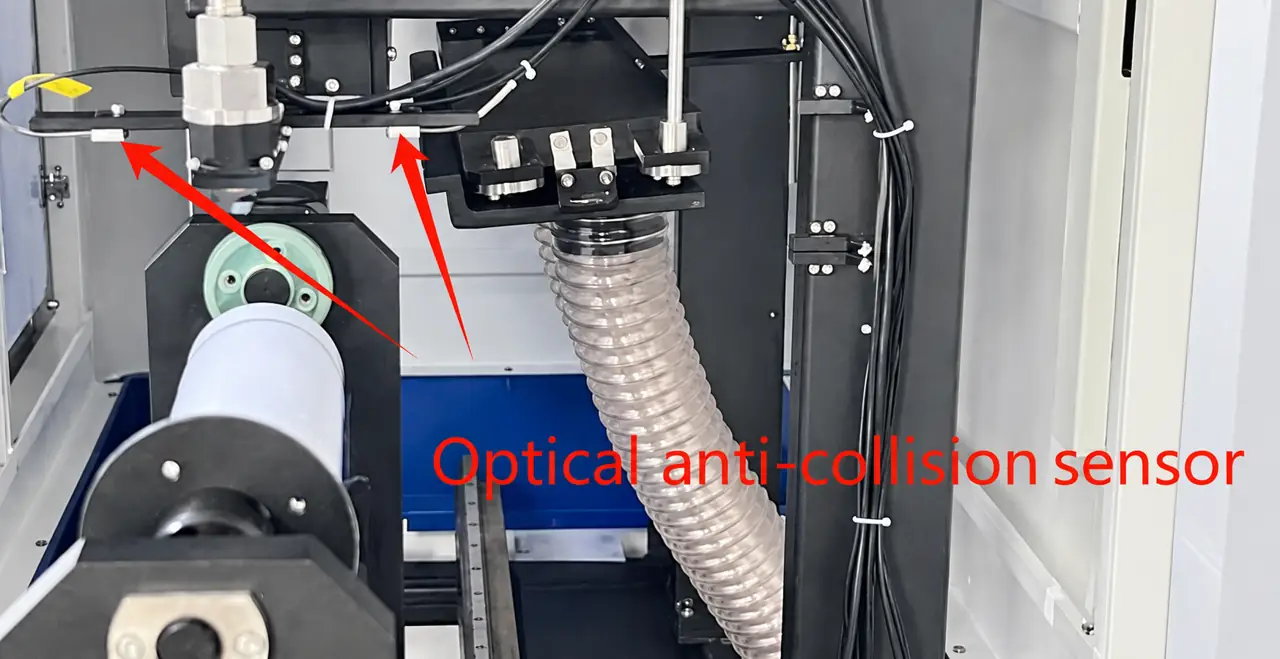
Optical anti-collision system
The optical anti-collision system helps detect potential collisions between the product and the printheads, protecting critical components and reducing the risk of costly repairs and unexpected downtime.
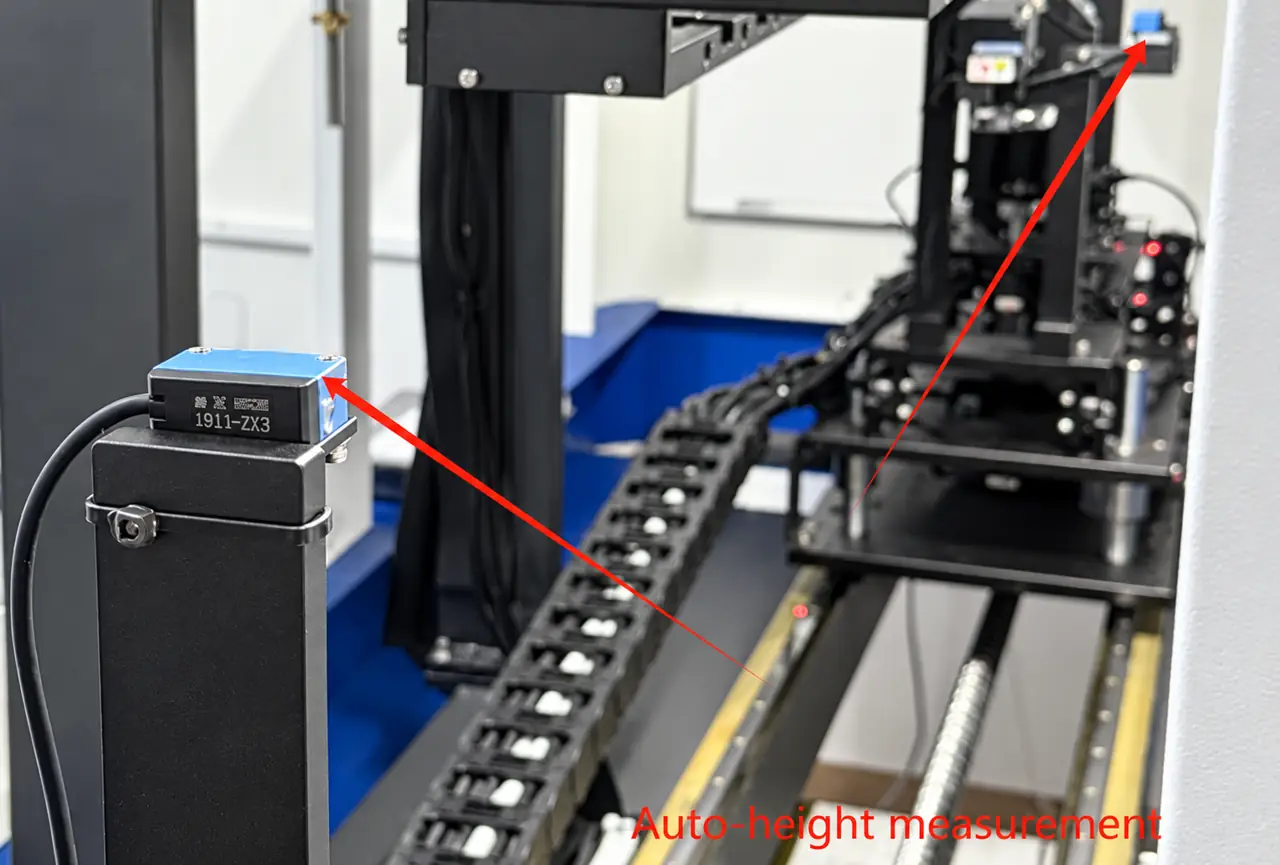
Automatic Height Measurement
The system precisely monitors the printhead carriage’s vertical position to help maintain safe clearance between the printheads and the product, reducing collision risks and protecting the printheads from damage.
Wide Application
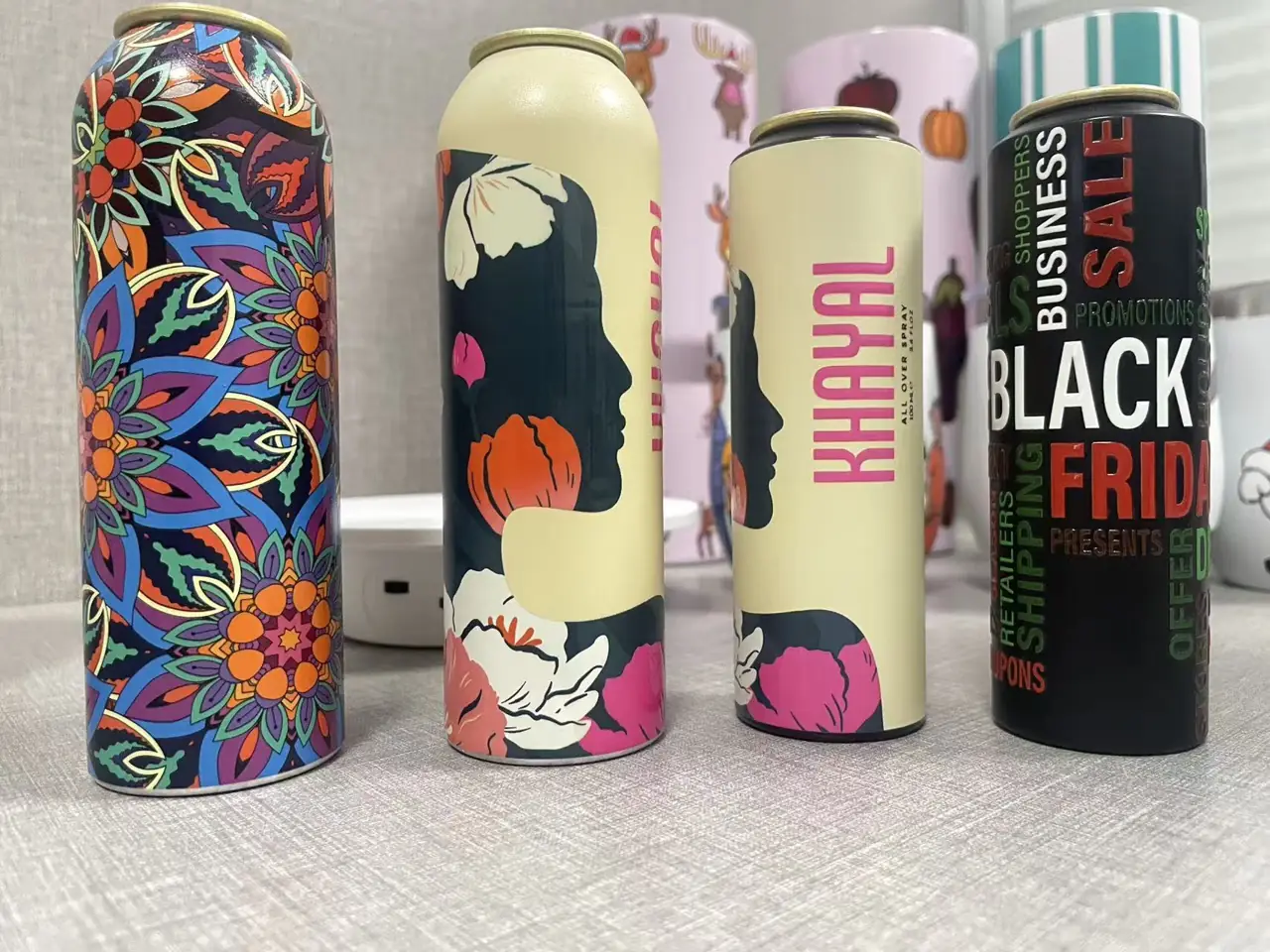
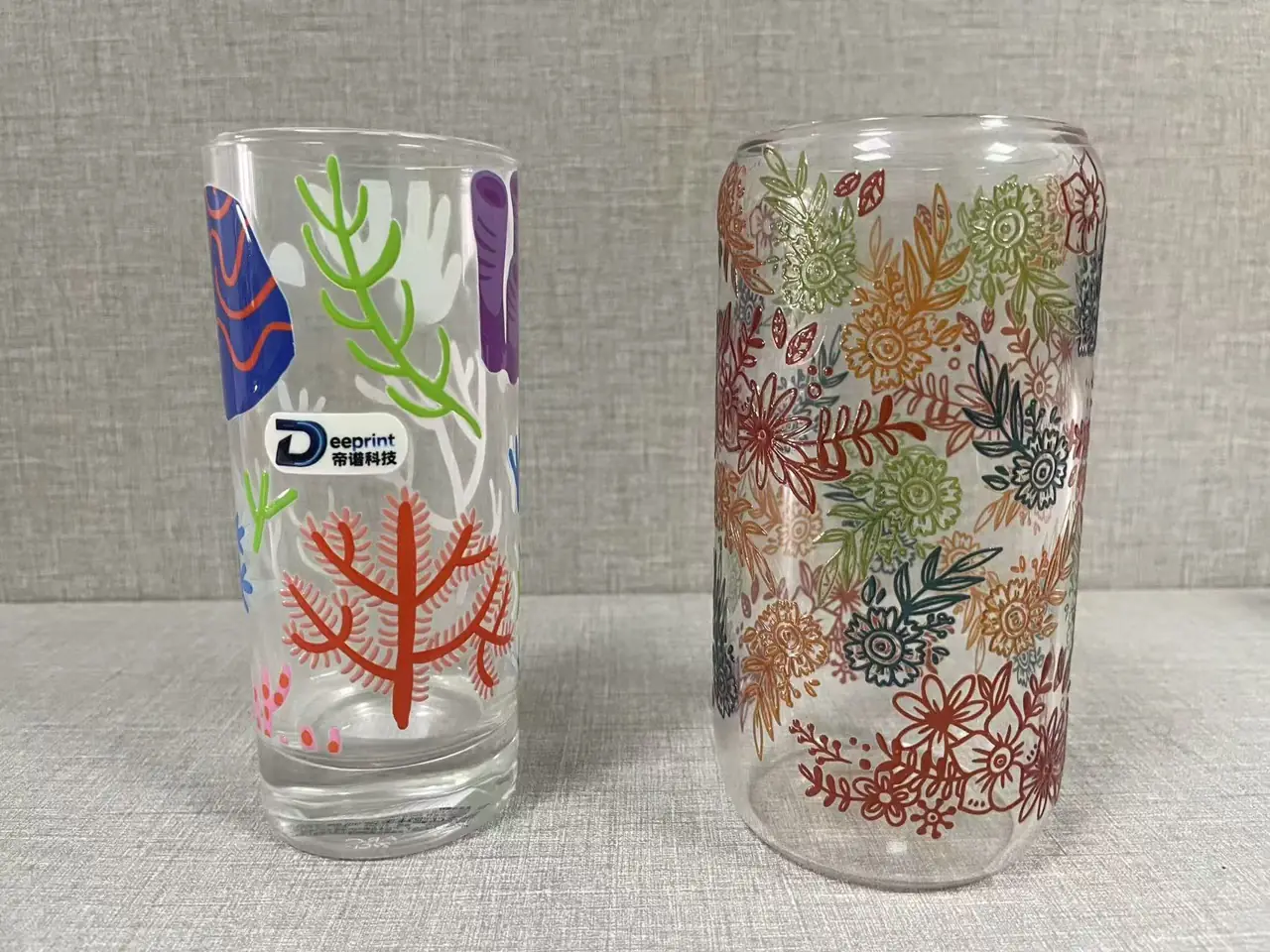
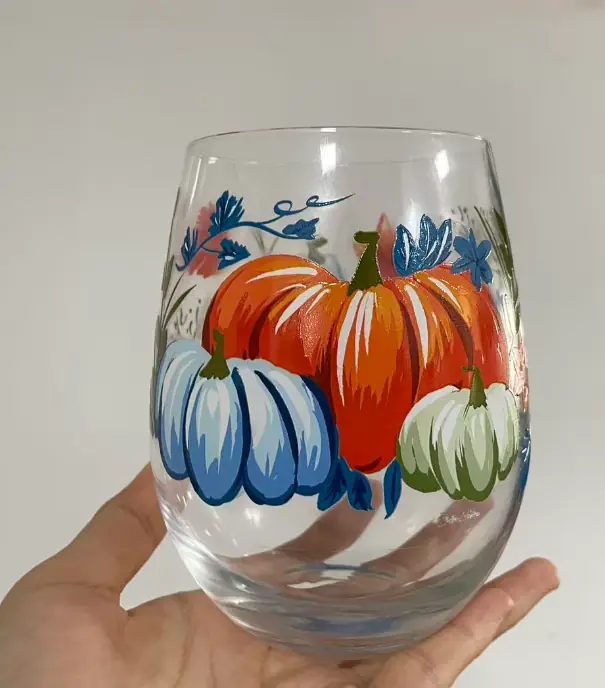
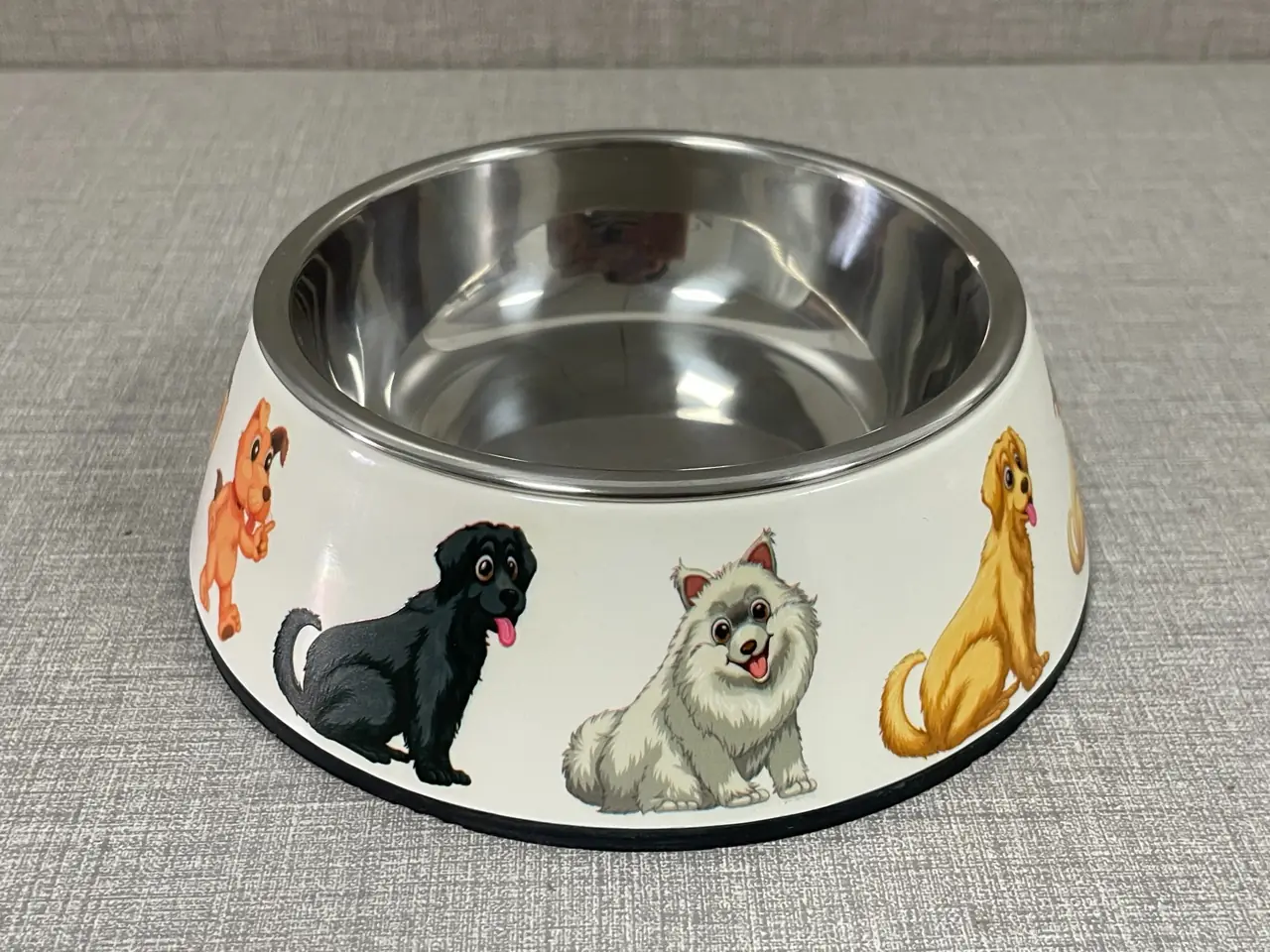
Printing workflow
- Review the product: Check its shape, dimensions, material and required print area.
- Prepare the job: Review artwork, positioning and the fixture.
- Run the printing setup: Load and unload the product manually as part of the printing workflow.
- Evaluate the result: Check the printed sample before confirming production suitability.
Printing samples
Review sample results in their product and application context. Share your product photos, dimensions and artwork to discuss a printing sample.
Dimensions & tooling
Diameter and custom tooling
The standard printing diameter is 45–120 mm. Custom tooling for smaller-diameter items can be reviewed according to the product geometry, available gripping areas and selected printer. Suitability requires application review.
Printing setup
Manual loading and unloading is used with PLC-controlled fixture adjustment. The quoted speed is 30 seconds per piece; actual job output depends on the sample, artwork and setup.
Smaller-diameter products
Custom sizes down to 10 mm in diameter are available for application review. The product geometry, gripping area, fixture and printing setup must be assessed for the actual sample.
FAQ
What should I send for an application review?
Send product photos, dimensions, material and surface information, artwork and the required print area.
Does every product use the same setup?
No. The suitable fixture and printing setup depend on the actual sample.
Is output the same for every job?
Actual output depends on the product, artwork and printing setup.
DH2 Cylindrical UV Printer specifications
- Printhead model
- Ricoh GH2220
- Printhead quantity
- 1–6
- Standard printing diameter
- 45–120 mm
- Maximum print height
- 270 mm
- Maximum resolution
- 960×900 dpi
- Print speed
- 30 seconds per piece
- Loading & unloading
- Manual
- Machine dimensions (L × W × H)
- 1950 × 870 × 1800 mm
- Weight
- 450 kg
Customer applications
Explore application contexts and discuss your own product, shape and printing requirements with Deeprint.
Explore applications ↗Start with your actual product.
Share product photos, dimensions and artwork so we can review the printing setup and fixture.